Dev Log #4 — Latest Update
13-Feb-2026
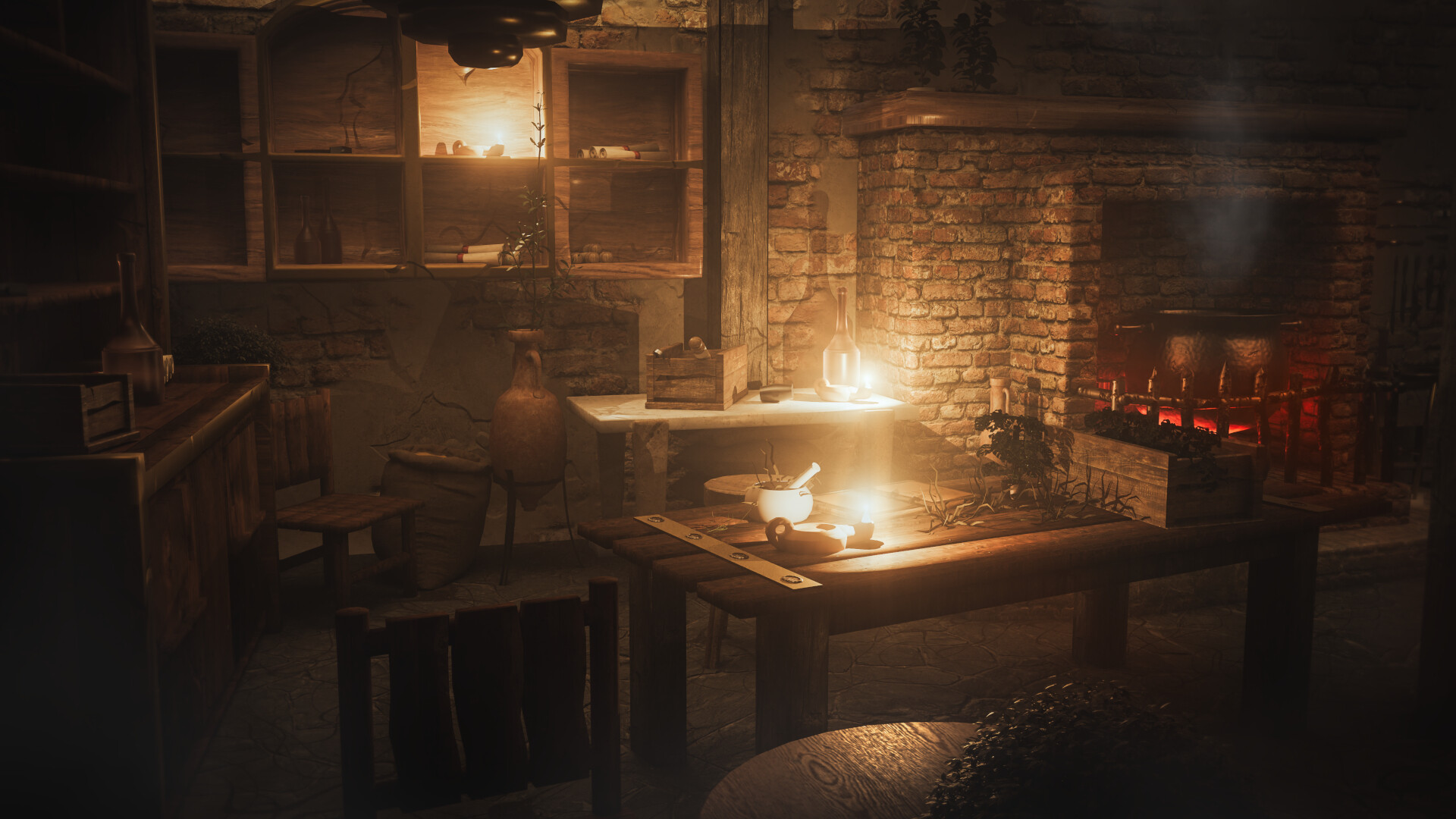
Rendering pipeline moved to Vulkan (Godot Forward+)
I switched the project’s rendering pipeline to Vulkan / Forward+. This is a major technical step that improves the foundation for lighting, materials, and future visuals; and it also changes how the game interacts with different GPUs/drivers.
If anything looks “off” after this update (lighting, shadows, shimmering, strange dark surfaces), please tell me:
- your GPU model (NVIDIA/AMD/Intel)
- OS
- and whether you’re on the latest drivers
Boot & stability improvements
- Fixed a freeze at 96% loading and improved overall boot scene stability.
- Hardened scene transition logic to prevent rare crashes, “previously valid object” errors, and repeated transition triggers.
- Added safer checks around world-map teardown and general transition cleanup.
Medical system: expanded and strengthened
Hospital case dialogue coverage
- Added hospital case dialogue data for all illnesses, aligned with the existing medical missions and mechanics.
Permanent treatment crafting + deck system
- Added permanent medical card crafting and a persistent deck system.
- New Card Deck Crafting menu (via Character Design Menu).
- Treatments can unlock permanently and track in save data.
- Treatment cards now show attribute bonuses (INT/DEX/CHA) and improved visual overlays.
- Ingredient consumption + auto-unlocking for basic treatments are integrated into the loop.
Treatment flow polish
- Added card cycling, better deck handling, and more reliable bonus display refresh.
- Streamlined treatment bonus calculations and removed redundant ingredient/inventory checks where they weren’t needed.
Time & UI
- Replaced the old Date and Time Panel with a cleaner Advance Time Panel.
- Improved day advancement and time progression control.
- Added a fog overlay + improved visibility logic (including a hint when advancement isn’t allowed).
- Added a subtle sun-turning hint to make “time moving” feel more readable.
Also:
- Improved inventory list interactions and overall UI layout consistency.
Controls & input (Steam Input + prompts)
Input (new)
- UI prompts now reflect whether you’re using keyboard/mouse or a controller.
Steam Input + Xbox layout
- Implemented Steam Input support for broader controller compatibility.
- Added Xbox 360 mappings and action manifests.
- Improved controller hot-plug handling (connect/disconnect messaging and action updates).
Unified input handling
- Refactored controller handling so Steam controllers and standard Godot inputs behave consistently.
- Improved JoyCursor and input-dependent UI scripts to use unified action checks.
Cursor & UI feedback polish
- Dialogue panels now include a dynamic “Next / Exit” hint that matches your current input device.
Guards: new follower controls
- Follow / Stay toggle
- Heal action
- Dismiss action
Also included:
- A dedicated Stay state (idle + threat behavior)
- Smoother transitions when teleporting to the player across scenes
- Cleaner popup positioning logic
Player character visuals & animation
- Added a young/old look for the player character (including hair changes that reflect the story).
- Cleaned up player-related nodes/scripts and updated scene configurations for consistency.
World & environment art updates (Demo/Prologue scope)
- Added a new Oak tree prefab (mesh + material).
- Added an optimized Ash tree prefab (new mesh + texture).
- Refined interior props and assets (benches, lectus, taberna elements, and various interior prefabs).
- Improved torch button art + UI positioning in-scene.
Local map improvements (Prologue)
- Implemented a dedicated Domus local map and refined interior transition logic so UI elements clean up properly when changing areas.
- Improved map marker flexibility and cleaned up unused assets.